Catalogs
Catalogs are configuration objects used to store list-based data with a uniform structure. Common examples include lists of employees, goods, suppliers, or customers.
Catalog Structure
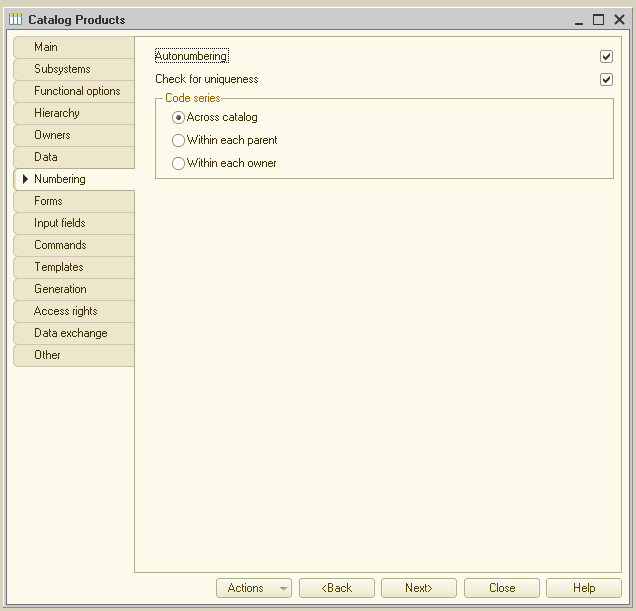
Each catalog item is defined by a code and a description. The system supports automatic numbering, allowing it to generate unique codes for new items independently. It also controls code uniqueness, preventing duplicate codes:
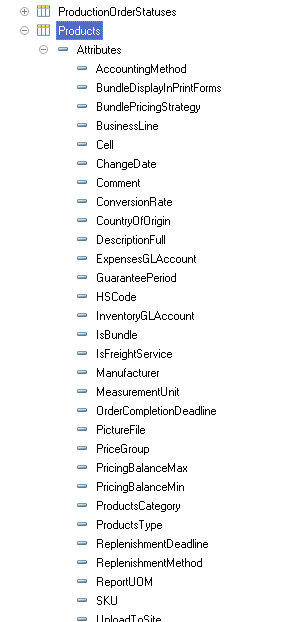
In addition to code and description, catalog items typically store additional descriptive information. For a product, this might include the SKU or packaging type. This information is stored in the catalog’s attributes and is consistent across all items in the catalog:
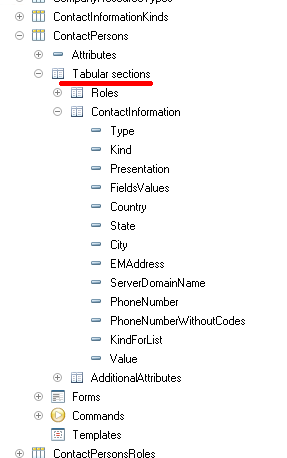
Catalogs can also store data that varies in quantity from item to item. For example, the Individuals catalog might store contact details, family members, or education history for each person. Tabular sections are used to store this type of data:
Catalogs support hierarchical structures. In a Products catalog, for instance, you can create groups like Appliances, Footwear, and Groceries to organize items. Groups can also contain subgroups, creating a multi-level hierarchy:
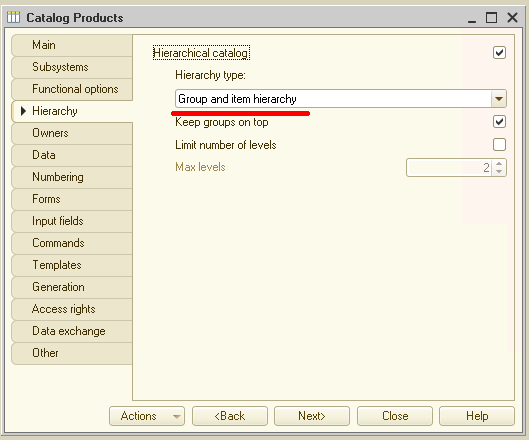
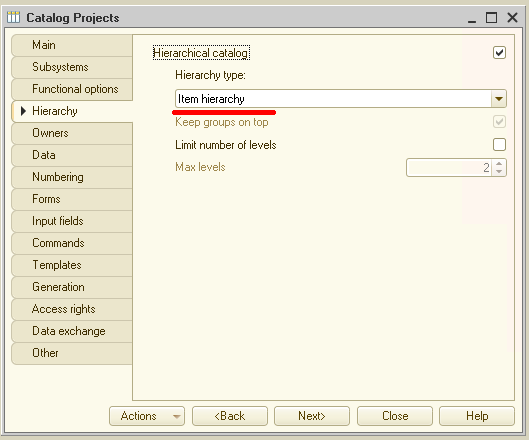
Alternatively, items can be hierarchically related to other items rather than groups. This is useful for catalogs like Projects, where one task may be a subtask of another:
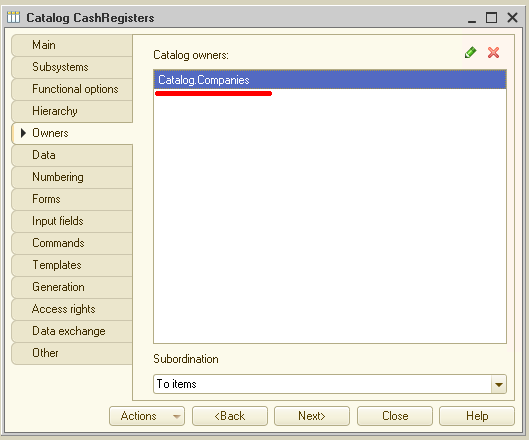
Catalogs can also be subordinate to one another. For example, the Cash Registers catalog can be subordinate to the Compainies catalog. In this case, when selecting a cash register for a specific organization, the system displays only those registers associated with that organization:
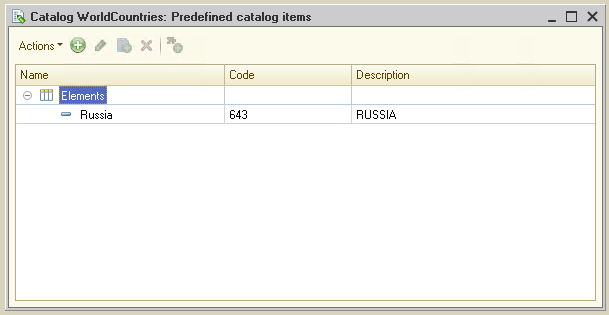
Catalogs support predefined items, which always exist regardless of user actions. These items are created by the developer and cannot be deleted or moved by the user.
For example, if an application is deployed in Russia, the Russia item can be added to the Countries of the World catalog as a predefined element, ensuring it is always available:
Catalog Forms
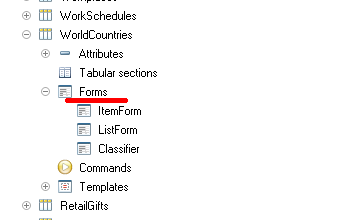
To facilitate viewing and editing, the system supports multiple catalog forms. While the system can generate these automatically, developers can create custom forms to replace them:
List form
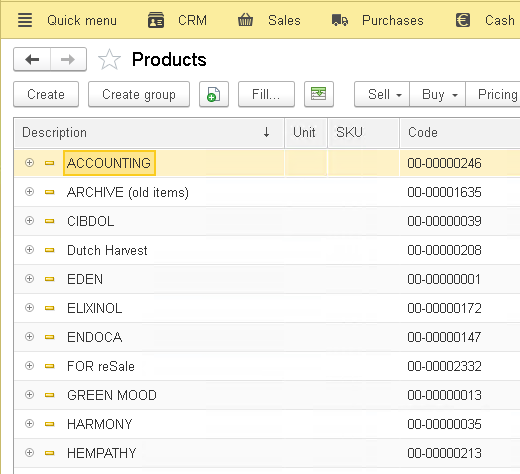
The list form is used to view the catalog’s contents. It enables navigation, adding or deleting items and groups, and moving elements. It supports both hierarchical and flat views, as well as sorting and filtering:
Item form
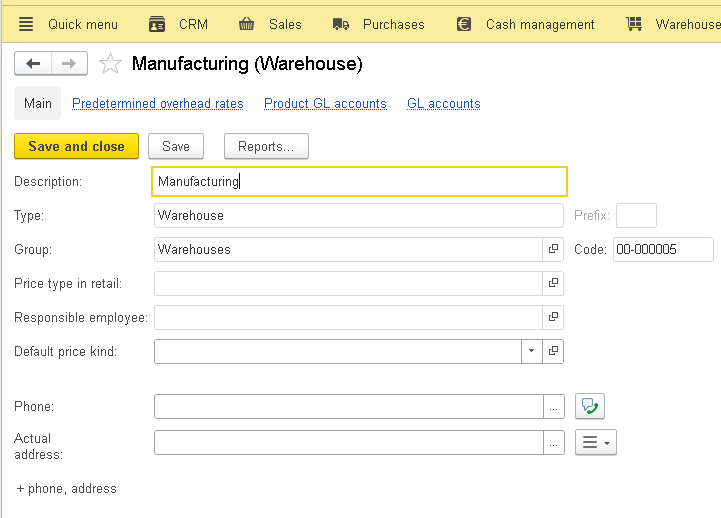
The item form allows users to view and edit individual catalog items. It presents data in a user-friendly format:
Group form
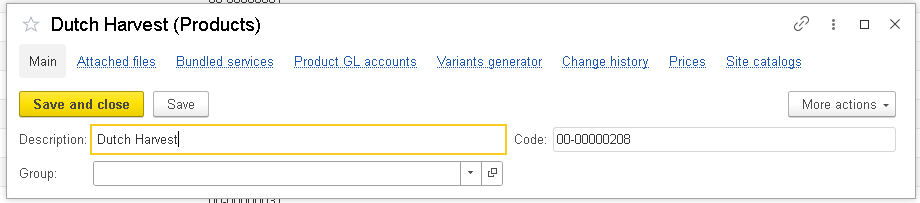
The system provides a distinct form for catalog groups, as they typically contain less information than individual items:
Selection forms
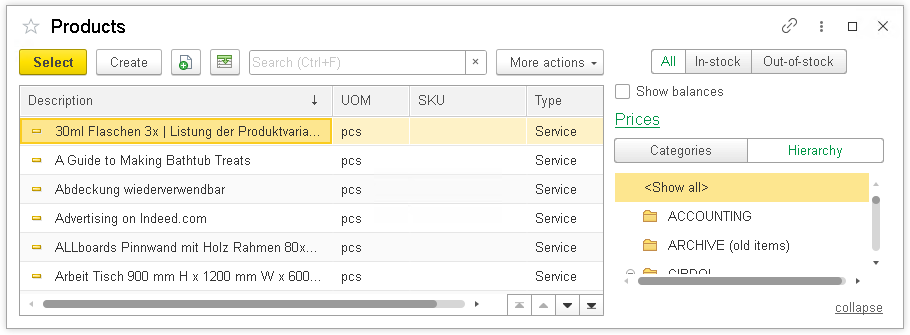
Many operations require selecting specific catalog items, such as listing goods in a purchase invoice. The selection form is used for this purpose, displaying the minimum information necessary for selection:
Additionally, the system supports a group selection form for scenarios where only a group needs to be selected.
Templates
Catalogs can be associated with templates containing auxiliary data:
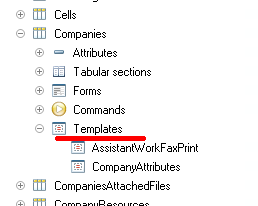
These templates are used to generate print forms or display additional information related to the catalog.
