Documents
Documents are configuration objects designed to store information about completed business transactions or events occurring in the “life” of an enterprise. Examples include purchase invoices, employment orders, bills, and payment orders.
Document Structure
Every document is characterized by a number, date, and time. The system supports automatic numbering, generating a unique number for each new document. It also enforces number uniqueness, preventing the creation of duplicate document numbers:
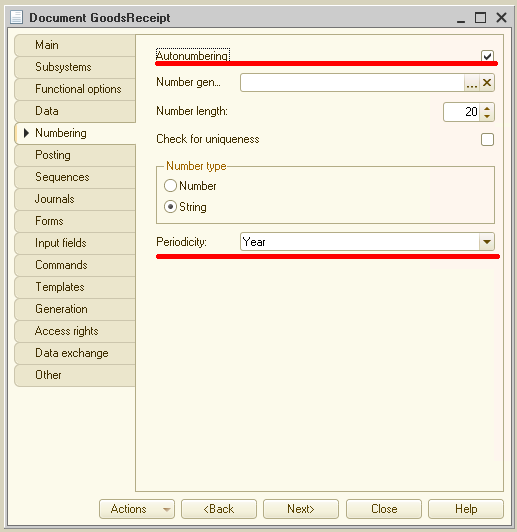
The system automatically supports periodicity for numbering and uniqueness control (e.g., daily, monthly, quarterly, or yearly). For example, if the periodicity is set to one year, numbering restarts from 1 at the beginning of the new year.
Date and time are critical characteristics that establish a strict chronological sequence of transactions. Documents are distinguished not only by their number but also by their position on the timeline, allowing the system to determine which transaction occurred earlier.
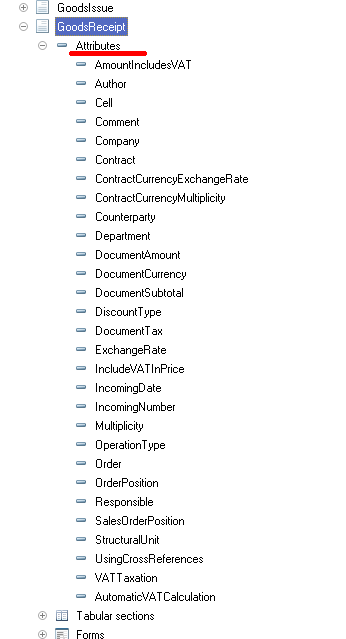
Beyond the number, date, and time, each document typically contains additional data describing it in detail. For a Goods and Services Receipt, this might include the supplier (counterparty) and the receiving warehouse. This information is uniform for all documents of a specific type and is stored in the document’s attributes:
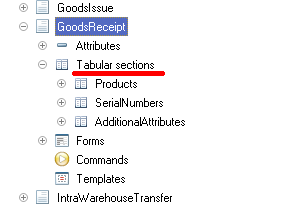
Documents may also contain data that is structurally identical but varies in quantity across different instances. For example, a Goods and Services Receipt lists the specific items received (name, quantity, etc.), serial numbers, and returnable packaging. Tabular sections are used to store such list-based data:
Document Posting
A key property of a document is its ability to be posted. When a document is posted, it modifies the state of the accounting data. If a document is “non-posting,” the event it records does not impact the accounting records maintained in the application.
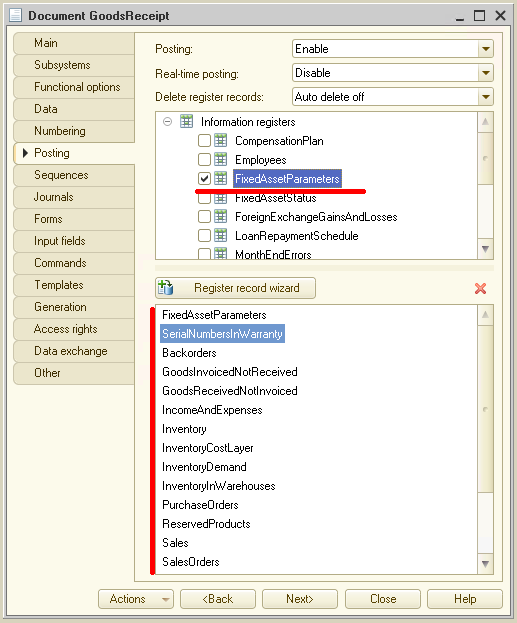
For example, posting a Goods and Services Receipt updates settlements with suppliers, inventory balances, and customer order statuses:
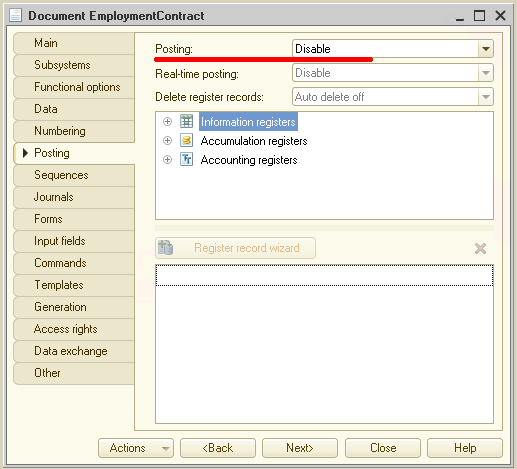
Conversely, a Commercial Proposal to Counterparty might not be posted, as it does not affect the accounting state:
Posting Wizard
The algorithm by which a document alters accounting data during posting is defined using the built-in language during application development. The system includes a posting wizard that assists developers in creating these posting algorithms. Read more…
Document Forms
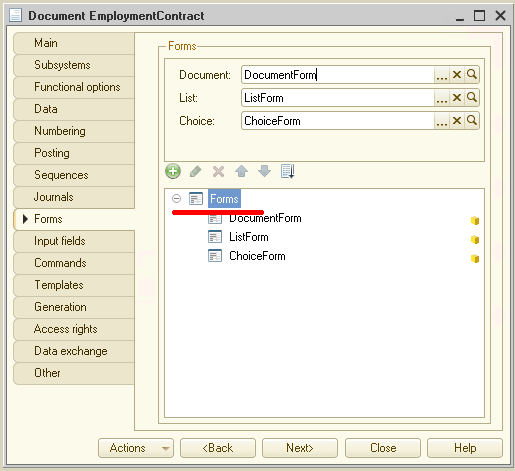
To enable users to view and modify document data, the system supports several presentation forms. While the system can automatically generate all necessary forms, developers can also create custom forms to replace the defaults:
List Form
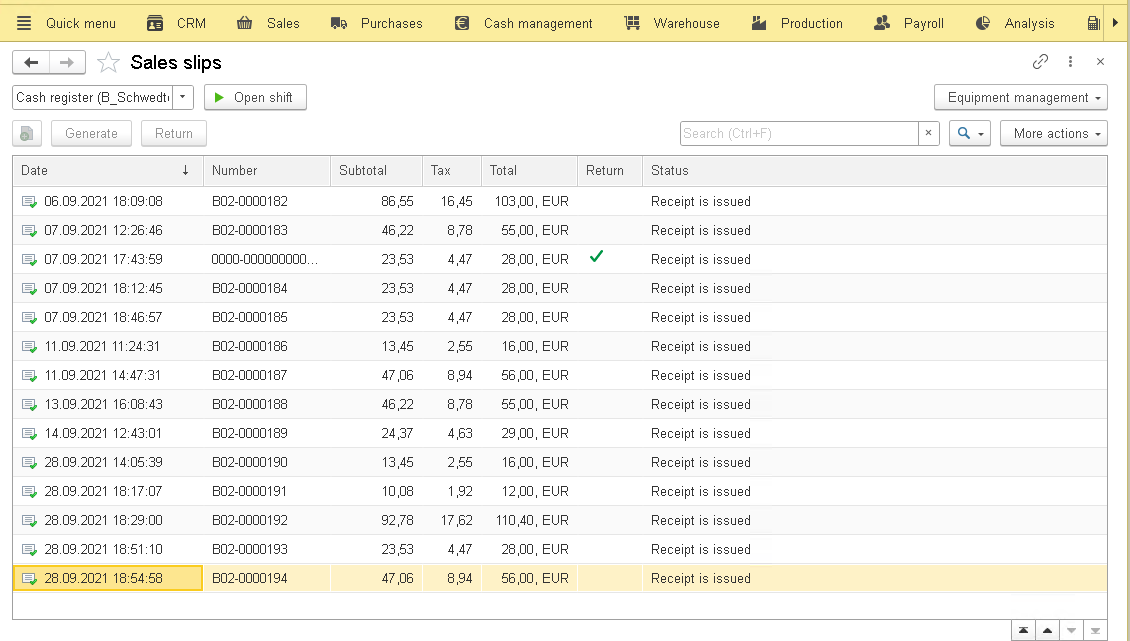
The list form is used to browse documents of a specific type. It enables navigation, time interval filtering, and the addition or deletion of documents. This form supports sorting and filtering by multiple criteria:
Document Form
The document form allows users to view and edit the data of an individual document. It presents the data in a layout optimized for readability and editing:
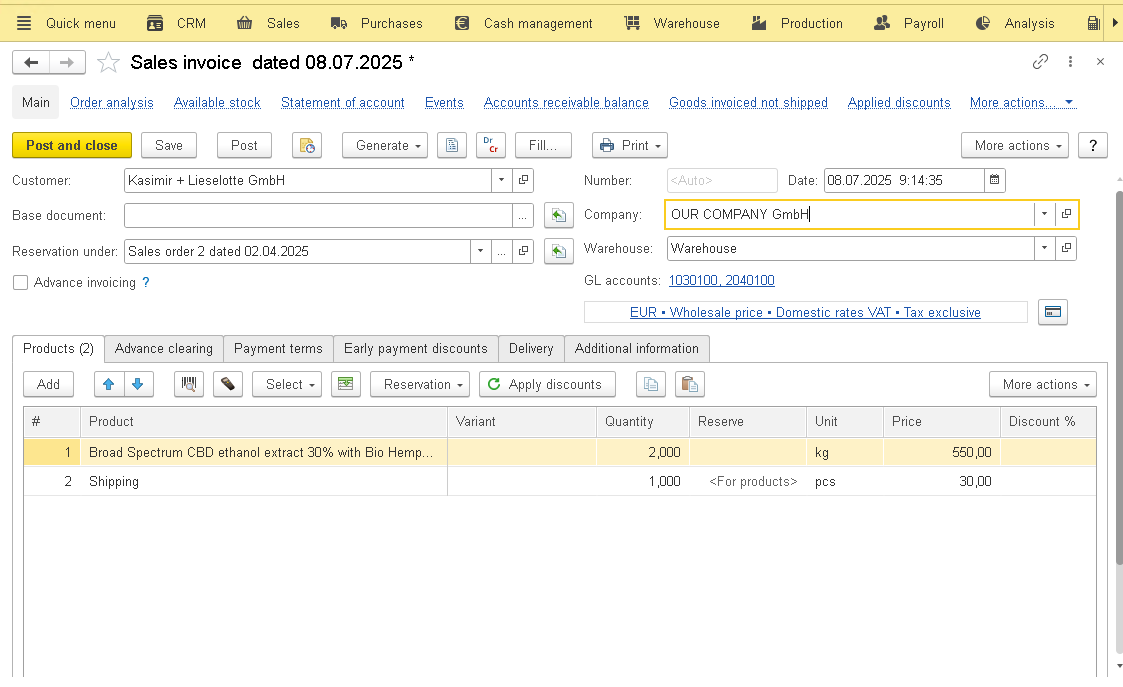
Selection Form
The selection form is used to choose a specific document from a list. It typically displays the minimum information required for selection and is used, for example, when linking a Goods and Services Receipt to a specific purchase order.
Document Templates
Documents can be associated with multiple templates containing necessary auxiliary data:
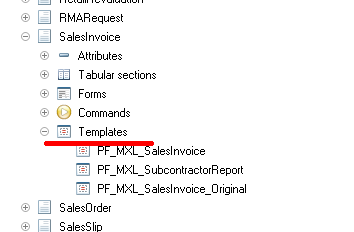
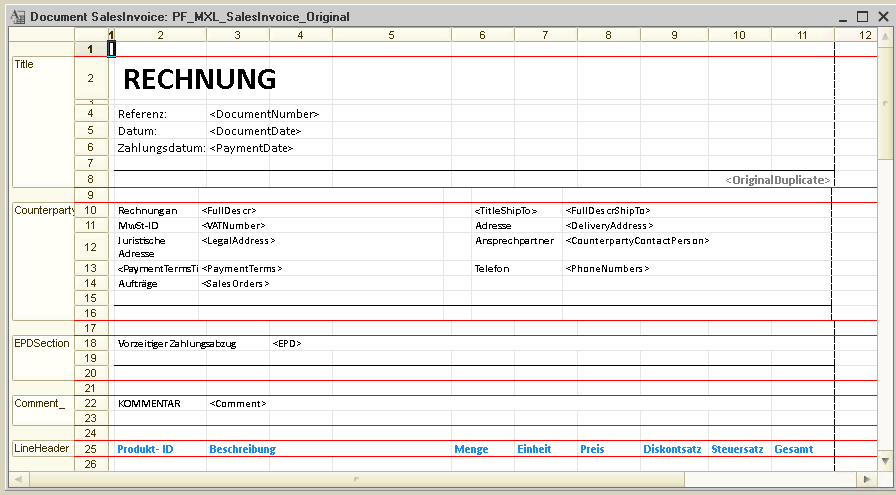
Templates are used to generate print forms or display additional information related to the document: