Type System
The type system is a specialized framework for organizing data used in application solutions. It allows you to represent real-world information in terms that are understandable to 1C:Enterprise.
The type system provides powerful features for describing business logic and solving intermediate data processing tasks.
You can find a description of the type system in the Syntax Assistant, in the built-in help, and in the documentation.
A key feature of the type system is the presence of certain types in all application solutions. These types are defined at the platform level and always exist, regardless of developer actions. Alongside these, each application solution may include various data types specific to that solution. For such data types, the platform only provides general rules and templates for their creation. The actual types are created when the developer builds and modifies the structure of the application solution.
Platform-Level Data Types
The set of types available to application solutions is diverse. The available types support data processing, data display, and interactive user operations. Several major categories of data types can be highlighted.
Primitive Types
Primitive types include String, Number, Date, Boolean, and others. These types are standard and found in most programming environments.
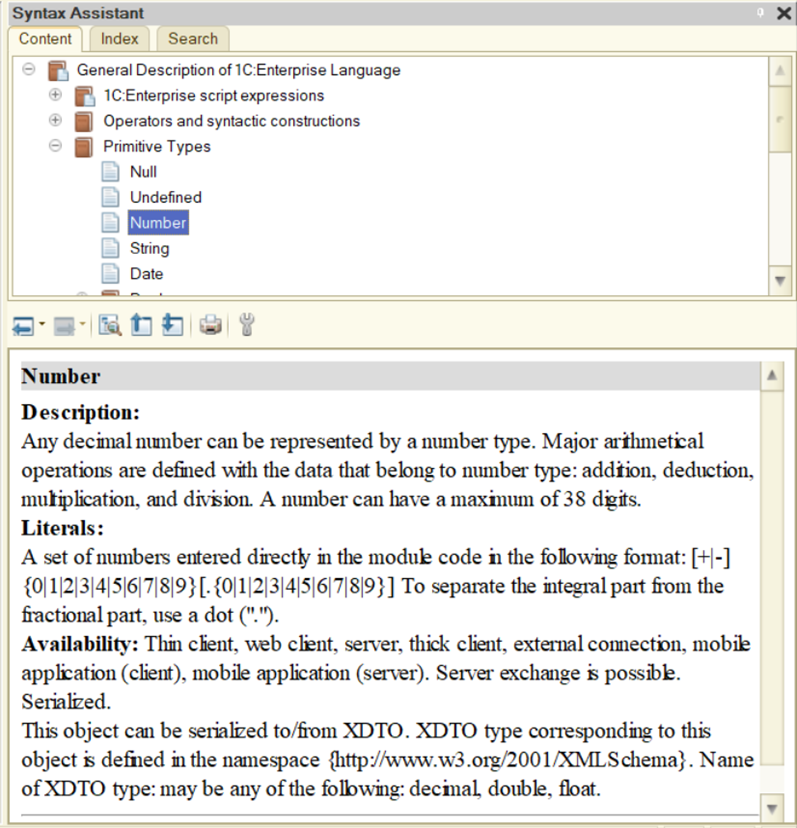
Values of primitive types are simple, indivisible and do not have internal components. For example, the Number type may include values such as 1, 8, or 15. You create a primitive value by specifying its literal directly in your code.
Universal Value Collections
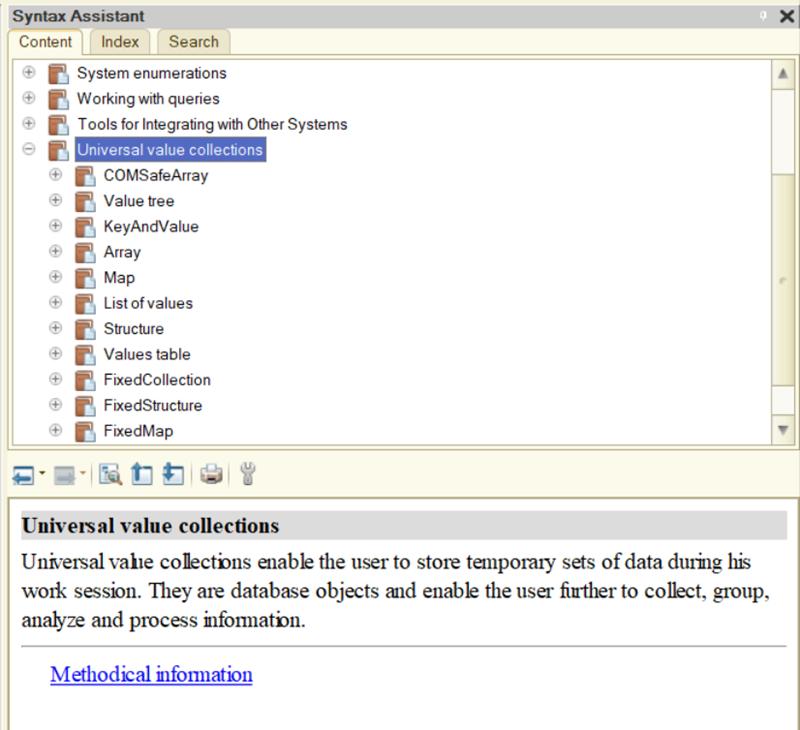
There are also more complex data types. The platform supports several universal value collections: Array, Structure, ValueList, and others.
Common Types
The platform also provides specific data types that implement important features for application solutions, such as TextDocument, SpreadsheetDocument, ValueStorage, QueryBuilder, and more.
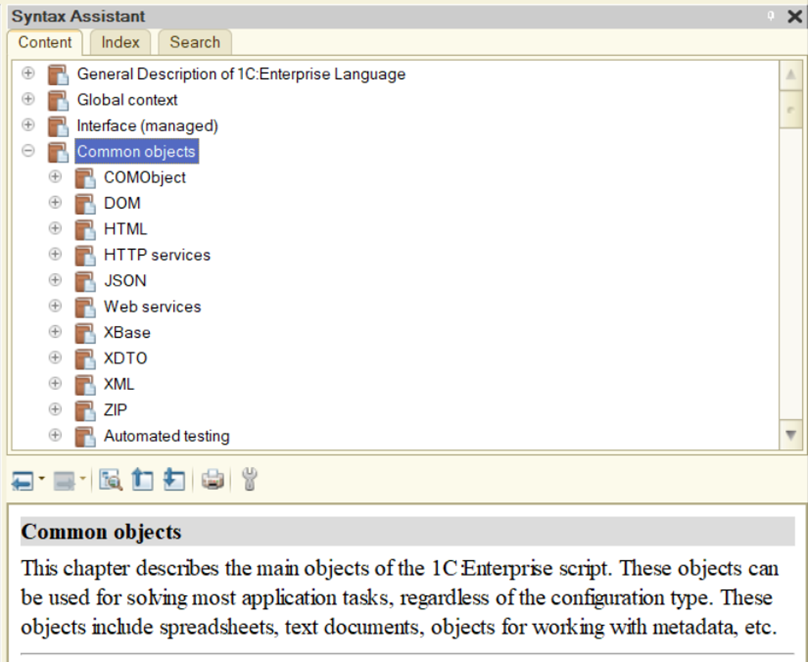
Common types, also known as common objects, represent a group of property values. These are called object instances.
You create object instances using the New operator in the 1C:Enterprise language.
Interface Types
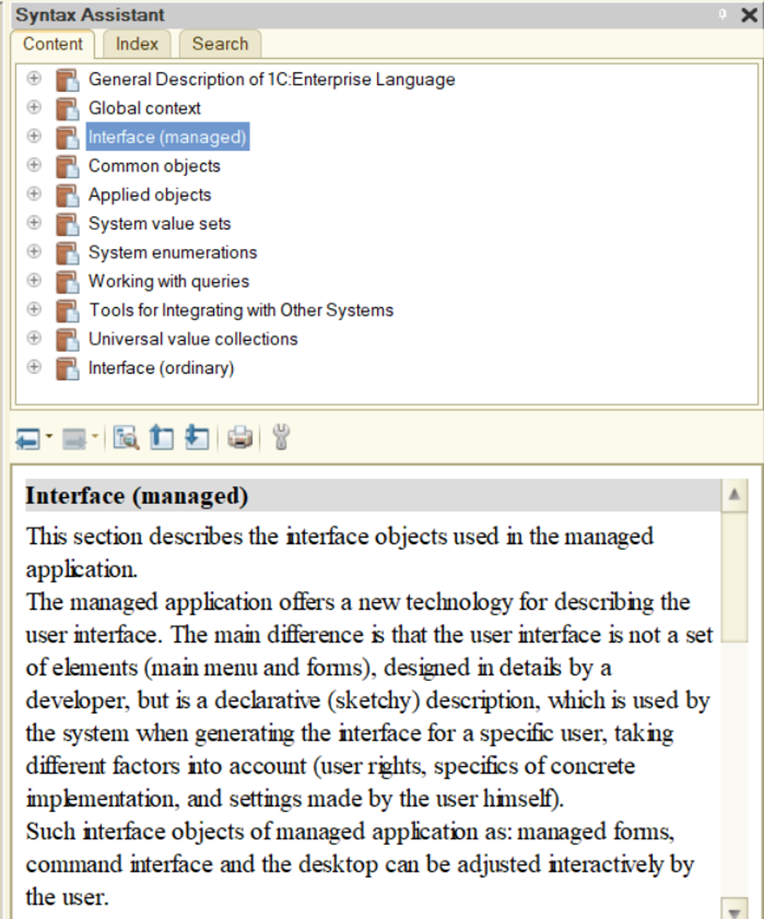
Interface types allow application solutions to interact visually with users. These types are mainly associated with forms and form elements.
Application-Level Data Types
In addition to platform-defined types, application solutions can use unique data types that exist only in that specific solution. The platform supports these fully, just like types defined at the platform level.
New types of data generally appear as a result of using application configuration objects (application types or application objects).
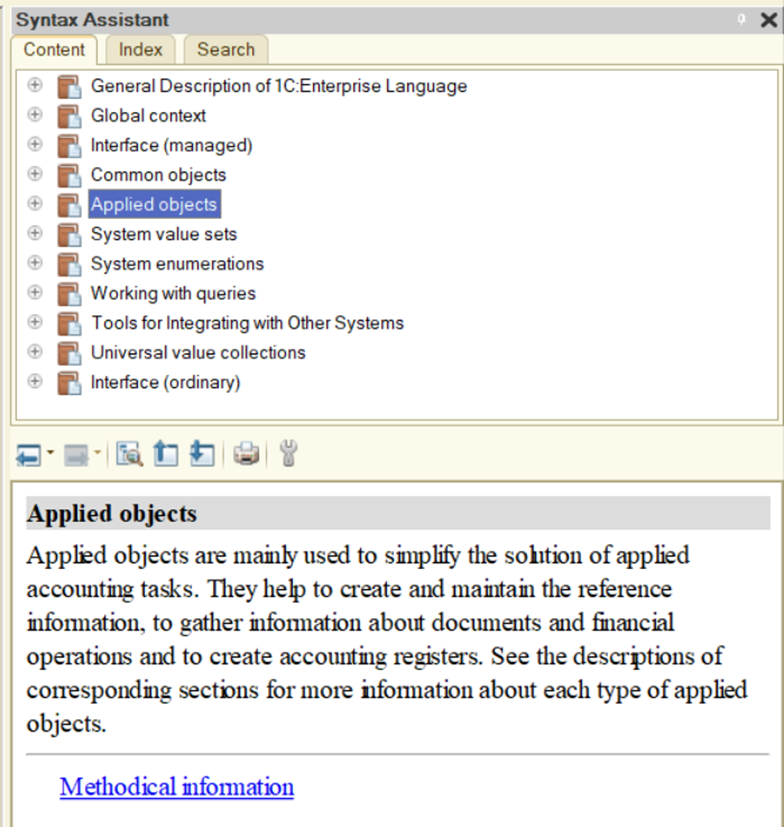
At the platform level, several classes (templates) of application objects are supported. These cannot be used directly, but you can refer to classes such as Catalogs, Documents, Information Registers, Chart of Characteristic Types, and more.
Each class has a defined base functionality: database table types for data storage, default forms, language objects, access rights, and more.
Developers cannot use these classes directly, but can add a new configuration object to their solution, inheriting all functionality from a specific class.
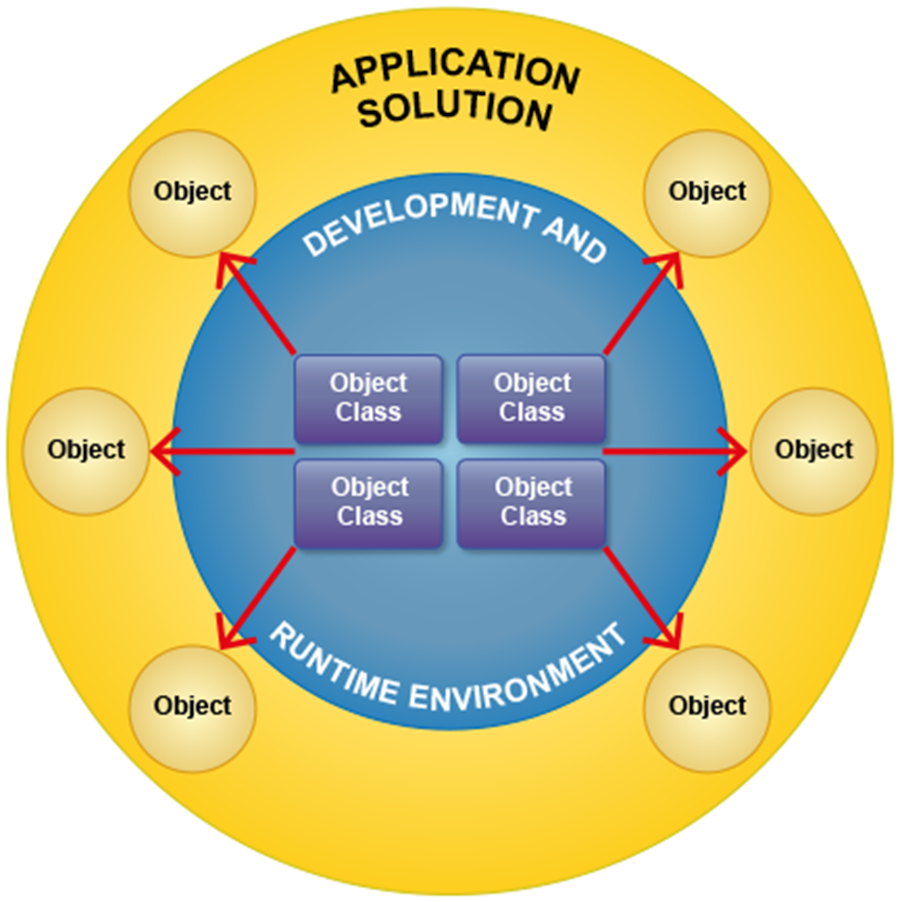
For example, developers can add a new catalog, Items, which inherits from the Catalogs class, or a new document, CashReport, which inherits from the Documents class.
Once an object is added, developers gain access to new data types formed by that object’s association with a class.
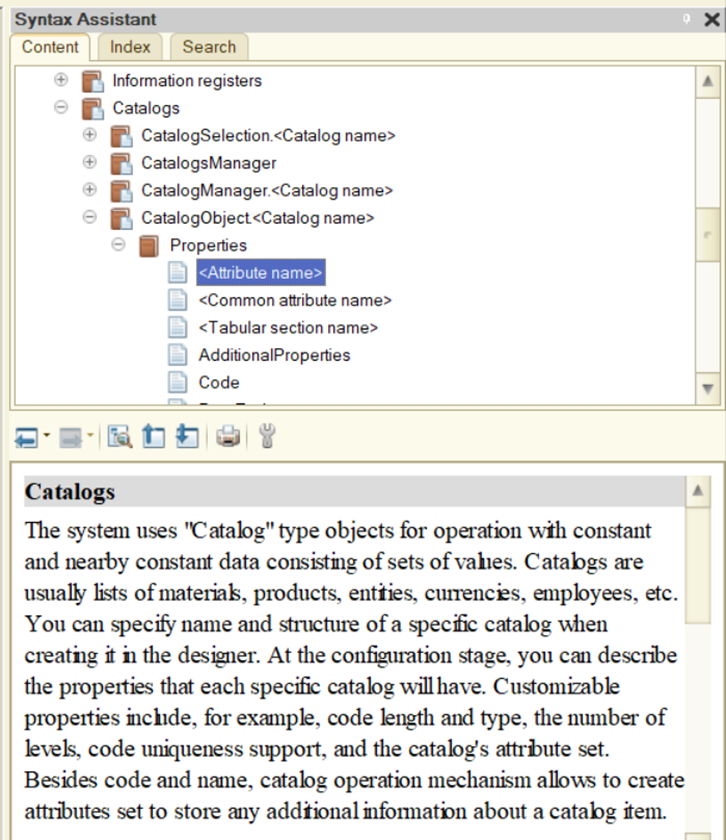
For example, after creating the Items catalog, the following data types are available:
- CatalogManager.Items
- CatalogRef.Items
- CatalogObject.Items
- CatalogSelection.Items
- CatalogList.Items
The type system specifies only the general structure and rules for constructing objects of a given type. The actual type name, object properties, and available methods depend on how the developer names the configuration object and defines its attributes or tabular sections.
Similarly, creating an accumulation register called CompanySales provides a different set of data types:
- AccumulationRegisterManager.CompanySales
- AccumulationRegisterSelection.CompanySales
- AccumulationRegisterList.CompanySales
- AccumulationRegisterRecordSet.CompanySales
- AccumulationRegisterRecord.CompanySales
- AccumulationRegisterRecordKey.CompanySales
These data types are not supported by the platform itself; they exist only in the specific application solution.
Suppose an application solution includes two new catalogs, Items and Prices. Even when two catalogs inherit functionality from the Catalogs class and have similar sets of data types, each data type is unique to its catalog. For example, CatalogObject.Items and CatalogObject.Prices are two separate and distinct types, despite their similar names.
This happens because developers, in addition to base functionality inherited from the class, can add unique features to each configuration object. For example, both catalogs can include tabular sections (inherited from Catalogs), but the developer may add three tabular sections to Items and none to Prices. Clearly, the internal data structure for CatalogObject.Items will differ greatly from that for CatalogObject.Prices.
